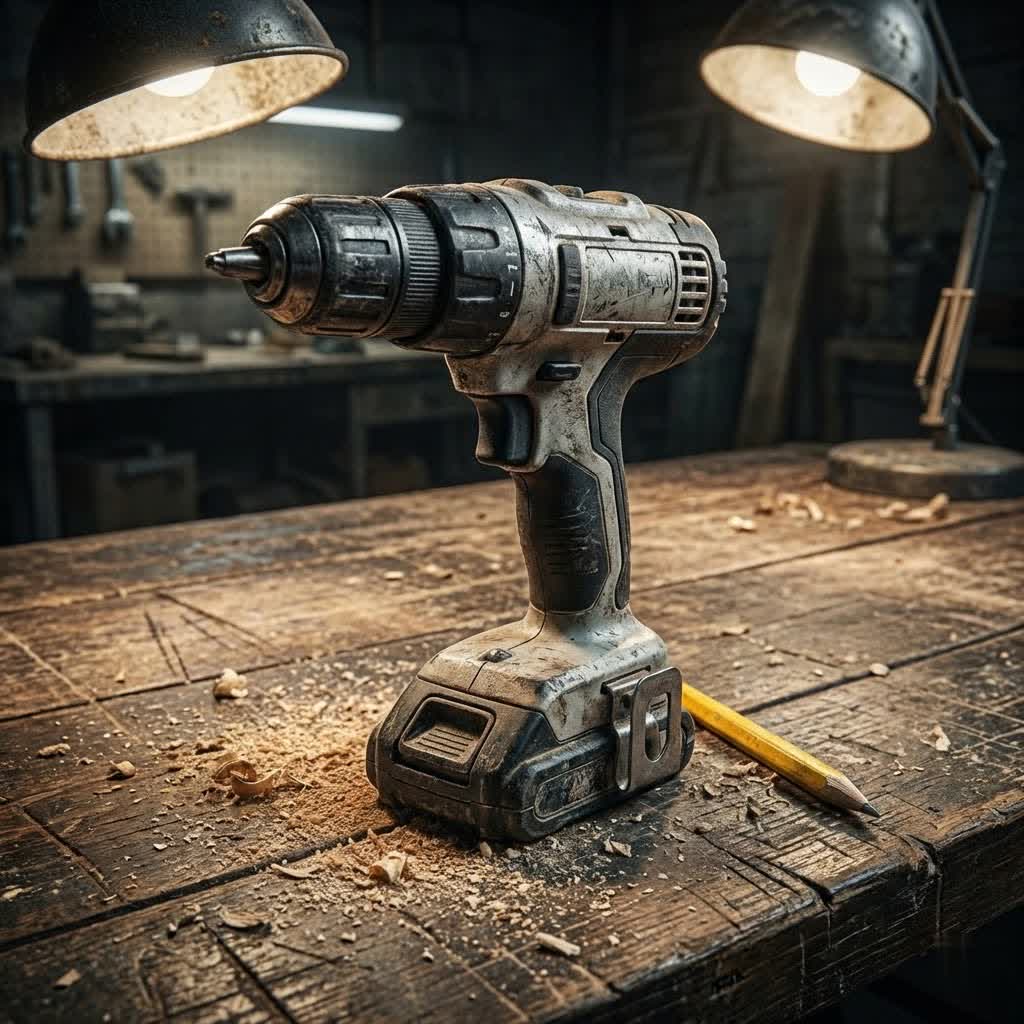
Are you tackling home improvement projects, assembling new furniture, or simply need a reliable tool for everyday fixes? An electric drill is arguably the most indispensable power tool in any homeowner’s arsenal. Yet, with a myriad of options flooding the market, from basic models to professional-grade equipment, choosing the “best” electric drill for your home use can feel daunting. This guide will cut through the noise, providing expert insights to help you select a drill that perfectly matches your needs, ensuring efficiency, safety, and durability for all your household tasks.
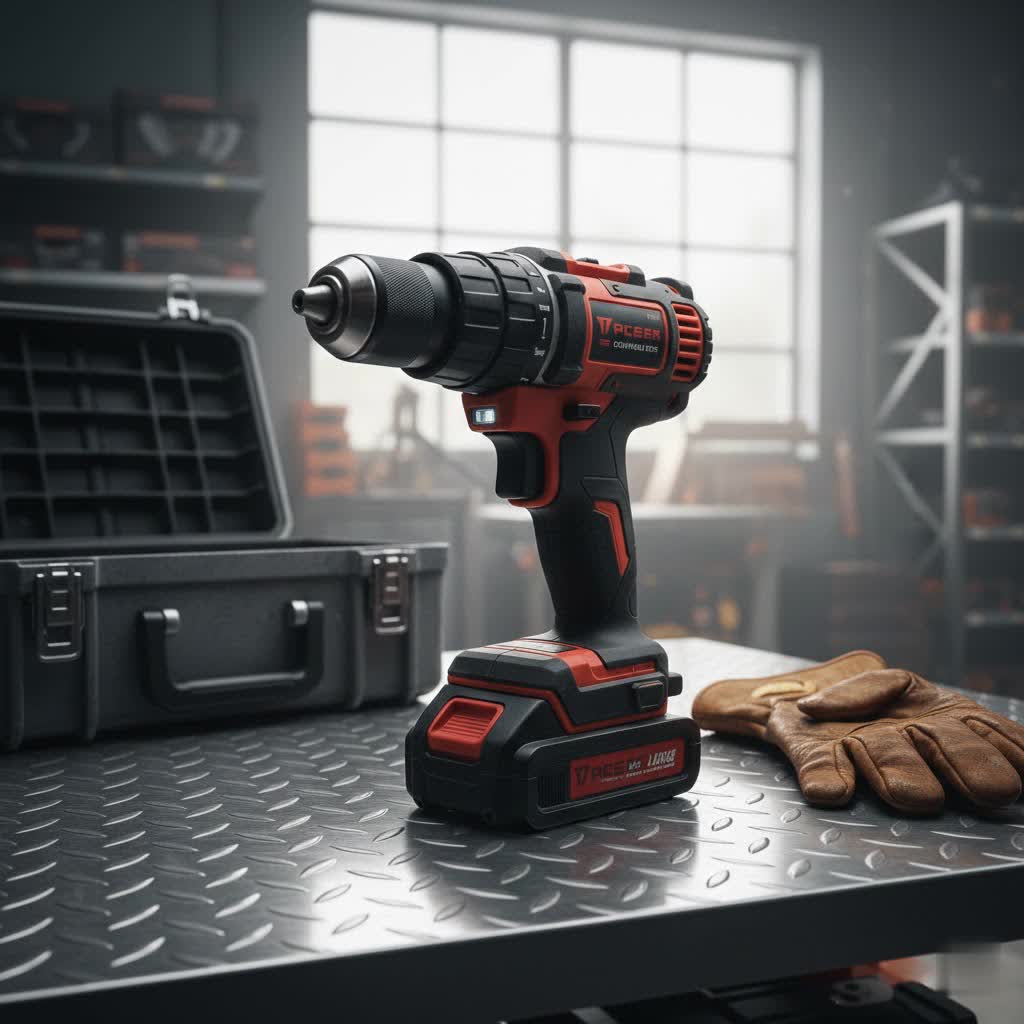
Understanding Electric Drills for Home Use
An electric drill is a versatile power tool primarily designed for drilling holes into various materials and driving screws. Its utility extends across countless household tasks, making it a cornerstone for DIY enthusiasts and homeowners alike. The journey of the drill began with basic hand-cranked tools, evolving dramatically with the invention of the handheld electric drill in the late 19th century, and later, the revolutionary cordless models in the mid-20th century. Today, these tools are more ergonomic, powerful, and accessible than ever before, simplifying tasks that once required significant manual effort.
For typical home use, the most common types of electric drills include standard drill/drivers, impact drivers, and hammer drills. Understanding their distinct functions is crucial to making an informed decision. While heavy-duty tools like rotary hammer drills exist, they are generally overkill for residential projects and are better suited for professional construction.
Detailed Classification of Electric Drills
Choosing the right electric drill begins with understanding the specific capabilities of each type. For home use, a few categories stand out for their versatility and suitability.
Standard Drill/Driver
Often simply called a “cordless drill” or “drill/driver,” this is the workhorse for most homeowners. It combines drilling capabilities with the ability to drive screws, making it incredibly versatile.
- Advantages: Highly versatile for both drilling and driving. Features a clutch to prevent over-driving screws and stripping. Generally lightweight and easy to handle.
- Disadvantages: Less powerful than impact drivers for driving very long or large screws into dense materials, and not suitable for drilling into hard masonry.
- Suitable Applications: Assembling furniture, hanging pictures, drilling pilot holes in wood, metal, or plastic, installing curtain rods, and performing light repairs around the house. It’s the go-to tool for everyday DIY.
- Comparison: If you’re looking for a single, all-around tool for varied tasks, a standard drill/driver is often the best choice for general home use.
Hammer Drill
A hammer drill offers the functionality of a standard drill/driver but with an added “hammering” action. This pulsatile forward motion, combined with rotation, allows it to penetrate tougher materials.
- Advantages: Excellent for drilling into brick, concrete, and other masonry materials, which a standard drill cannot easily manage. Can switch to a regular drill mode for softer materials.
- Disadvantages: Heavier and often bulkier than a standard drill. The hammering action can be aggressive for delicate tasks and may create rougher holes in softer materials.
- Suitable Applications: Installing shelving into brick walls, mounting TVs on concrete, drilling into stucco, or any task requiring penetration into light to medium masonry.
- Comparison: Consider a hammer drill if your projects frequently involve drilling into masonry, but if such tasks are rare, a standard drill/driver might suffice with a masonry bit.
Impact Driver
An impact driver is specifically designed for driving screws and fasteners with high torque, delivering rotational force along with rapid, short bursts of concussive force (impacts).
- Advantages: Exceptional for driving long screws quickly and efficiently, even into tough materials, without stripping the screw head. Reduces strain on your wrist. Generally more compact than drill/drivers.
- Disadvantages: Less suitable for precision drilling holes as it lacks a clutch and can over-tighten easily. Its impact mechanism can be noisy. Uses hex-shank bits only.
- Suitable Applications: Building decks, fastening subflooring, driving lag bolts, or any task that involves a lot of heavy-duty screw driving.
- Comparison: While it excels at driving, an impact driver is best seen as a companion to a standard drill/driver rather than a standalone tool for comprehensive home use.
Rotary Hammer Drill
Rotary hammer drills are professional-grade tools designed for heavy-duty demolition and drilling into extremely hard concrete and masonry. They deliver much stronger impact energy than hammer drills.
- Advantages: Unmatched power for breaking concrete, chiseling, and drilling large holes in tough materials.
- Disadvantages: Significantly heavier, larger, and more expensive. Overkill for almost all home use cases, making it an unnecessary investment for the average homeowner.
- Suitable Applications: Professional construction sites, major renovations involving structural concrete, or tasks akin to using a small jackhammer.
- Comparison: Rotary hammer drills are not recommended for general home use. For occasional concrete drilling, a hammer drill is a more appropriate and manageable choice.
Comparative Table of Electric Drill Types for Home Use
| Drill Type | Primary Function | Best For | Key Feature | Typical Voltage (Cordless) | Pros | Cons |
|---|---|---|---|---|---|---|
| Standard Drill/Driver | Drilling holes & driving screws | General household tasks, furniture assembly | Adjustable clutch | 12V – 20V | Versatile, lightweight, easy to control | Limited power for heavy driving/masonry |
| Hammer Drill | Drilling into masonry | Mounting TVs on brick, light concrete drilling | Hammer action mode | 18V – 20V | Effective on masonry, dual-purpose (drill/hammer) | Heavier, louder, less precise for delicate tasks |
| Impact Driver | Driving screws with high torque | Heavy-duty fastening, long screws | High torque, concussive impacts | 12V – 20V | Fast, powerful driving; prevents cam-out | Less ideal for drilling, noisy, requires specific bits |
This table offers a snapshot, but a deeper understanding of your specific project needs will guide you to the perfect tool. The sweet spot for most DIYers will be a high-quality cordless drill/driver, possibly supplemented by an impact driver if heavy fastening is a regular requirement.
How to Choose the Right Electric Drill for Your Home
Selecting the Best Electric Drill For Home Use involves a thoughtful assessment of your needs, budget, and key technical specifications. Don’t just grab the first one you see; invest a little time to ensure you get a tool that will truly serve you for years.
Assess Your Needs
Before diving into specifications, consider what you’ll primarily use the drill for.
- Purpose: Will you mostly be assembling flat-pack furniture, hanging pictures, or tackling more involved projects like installing shelving in brick?
- Material: What types of materials will you be drilling into most frequently? Wood, drywall, plastic, metal, or occasional light masonry?
- Frequency: How often do you anticipate using the drill? Daily, weekly, or just a few times a year? For infrequent use, a basic model might suffice, but for regular DIY, investing in a more robust tool is wise.
Budget Considerations
Electric drills come in a wide price range.
- Entry-level models are affordable and good for very light, occasional tasks.
- Mid-range drills offer a good balance of power, features, and durability for most homeowners.
- Premium models are designed for heavy use and professionals, often featuring brushless motors and superior battery life, but come at a higher cost.
“A common mistake is buying the cheapest drill, only to find it lacks the power or features for common household tasks. Balance your budget with a realistic assessment of your needs to get the best value.”
Essential Technical Specifications
Understanding these specifications will help you compare models effectively:
- Power (Voltage/Amps):
- Cordless Drills: Voltage (V) indicates power. 12V drills are compact and great for light tasks. 18V or 20V Max drills offer a good balance of power and weight for most home needs, handling drilling and driving into various materials. Higher voltage generally means more power but also more weight.
- Corded Drills: Amperage (Amps) indicates power. A 7- to 8-amp corded drill is suitable for most DIYers, offering continuous power without battery limitations.
- Speed (RPM): Variable speed control is crucial, allowing you to match the speed to the material and task. Lower speeds are better for driving screws and drilling into hard materials, while higher speeds are ideal for drilling into softer materials.
- Torque (Nm): Torque represents the twisting force. Adjustable clutch settings (often numbered 1-20+) allow you to set the maximum torque, preventing screws from stripping or being over-tightened. Higher torque is beneficial for driving long screws.
- Chuck Type: Most modern drills feature a keyless chuck, allowing for quick and easy bit changes without a separate key. Common sizes are 3/8-inch for light-duty and 1/2-inch for greater versatility and holding larger bits.
- Corded vs. Cordless:
- Cordless: Offers freedom of movement and portability, powered by rechargeable batteries (typically lithium-ion). Ideal for projects away from power outlets.
- Corded: Provides continuous, consistent power, often at a lower price point for equivalent power. Best for long work sessions or stationary tasks where mobility isn’t an issue.
- Motor Type (Brushed vs. Brushless):
- Brushed Motors: More common in entry-level drills, they use carbon brushes to conduct electricity, which can wear out over time.
- Brushless Motors: Found in higher-end models, these are more efficient, run cooler, offer longer battery life, and have a longer lifespan due to less friction. They are a worthwhile upgrade for frequent users.
Brands and Reliability
Reputable brands often guarantee better quality, durability, and customer support. For home use, brands like DeWalt, Ryobi, Bosch, Craftsman, Milwaukee, and Makita consistently receive high ratings. Look for drills with a good warranty. Investing in a brand with a strong ecosystem of compatible batteries and tools can also be a significant advantage.
Supplemental Features
Consider these features for enhanced convenience and performance:
- LED Work Light: Illuminates your workspace, especially useful in dimly lit areas.
- Ergonomic Design: A comfortable grip and balanced weight reduce fatigue during prolonged use.
- Battery Compatibility: Many brands offer battery systems where one battery works across multiple tools, saving money and simplifying charging.
- Belt Clip: Handy for keeping the drill accessible when working on ladders or moving around a project.
Safe Usage and Maintenance Tips for Your Electric Drill
To ensure your electric drill remains a reliable companion for years to come, proper usage and diligent maintenance are essential.
Correct Usage
- Match Bit to Material: Always use the correct drill bit for the material you are working with (e.g., wood bits for wood, masonry bits for brick, metal bits for metal). Using the wrong bit can damage the drill, the bit, or your workpiece.
- Proper Grip and Posture: Maintain a firm grip on the drill with both hands if possible, especially for larger drills or tougher materials. Keep your body balanced and avoid overreaching.
- Let the Tool Do the Work: Resist the urge to apply excessive pressure. Let the drill’s motor and the sharpness of the bit do the work. Pushing too hard can lead to overheating, damage, and less precise results.
- Variable Speed Control: Utilize the variable speed trigger to start slowly for accuracy, then increase speed as needed. Lower speeds are better for starting holes, driving screws, and drilling through dense materials, while higher speeds are good for drilling through softer materials.
Safety Measures
Safety should always be your top priority when operating power tools.
- Wear Safety Glasses: Protect your eyes from flying debris, dust, and splinters. This is non-negotiable.
- Disconnect Power/Remove Battery: Before changing bits, making adjustments, or performing any maintenance, always ensure the drill is unplugged or the battery is removed.
- Secure Workpiece: Use clamps or a vice to firmly secure your workpiece. This prevents it from spinning or shifting, which can cause injury or damage.
- Avoid Loose Clothing and Jewelry: Loose items can get caught in moving parts, leading to serious injury. Tie back long hair.
Maintenance for Longevity
Regular care will significantly extend the life of your electric drill.
- Regular Cleaning: After each use, wipe down your drill to remove dust and debris. Use compressed air to blow out dust from vents and crevices. Periodically open and clean the chuck to ensure smooth bit changes.
- Battery Care (for Cordless Drills):
- Charge Fully: Always charge your battery fully before use.
- Avoid Overcharging/Deep Discharging: While modern lithium-ion batteries have protection circuits, avoid leaving them on chargers indefinitely or running them completely dead frequently.
- Proper Storage: Store batteries in a cool, dry place, ideally with a partial charge (around 50%) if storing for extended periods, to maximize lifespan.
- Lubrication: Periodically apply a few drops of lubricant inside the chuck to keep moving parts smooth.
- Proper Storage: Store your drill in a dry, dust-free environment, preferably in its original case or a dedicated toolbox. Avoid extreme temperatures and moisture, which can corrode metal parts and degrade battery life.
- Inspect Cords and Bits: For corded drills, regularly check the power cord for any cuts or damage. Always use sharp, undamaged drill bits, replacing worn ones promptly.
Conclusion
Choosing the best electric drill for home use doesn’t have to be complicated. By understanding the types of drills available, evaluating your specific needs, and considering key technical specifications like voltage, torque, and speed, you can confidently select a tool that will empower your DIY projects. Remember, a reliable drill is an investment in your home and your capabilities. Pair your choice with diligent maintenance and safe operating practices, and your electric drill will serve you faithfully for countless tasks to come. What exciting home project will you tackle first with your new drill?
Câu Hỏi Thường Gặp
What voltage is best for a cordless drill for home use?
For most home users, a cordless drill with an 18V or 20V Max rating offers an excellent balance of power, weight, and versatility, capable of handling a wide range of tasks from assembling furniture to drilling into wood and light metal. 12V drills are more compact and lighter, suitable for very light-duty tasks.
Do I need a hammer drill for home use?
You only need a hammer drill if you regularly perform tasks that involve drilling into hard materials like brick, concrete, or stone. For occasional light masonry work, a powerful standard drill/driver with appropriate masonry bits can often suffice, but a hammer drill will make such tasks much easier and more efficient.
What’s the difference between a drill/driver and an impact driver?
A drill/driver is designed for both drilling holes and driving screws, featuring a clutch for torque control. An impact driver, on the other hand, is specialized for driving screws and fasteners with significantly higher torque and concussive impacts, making it superior for heavy fastening but less ideal for precision drilling.
Should I get a corded or cordless drill for home use?
For most homeowners, a cordless drill offers greater convenience and mobility, allowing you to work anywhere without being tethered to an outlet. Corded drills provide continuous power without battery concerns and can be a good choice for prolonged, stationary tasks or if you prefer a lower upfront cost for equivalent power.
How often should I charge my cordless drill battery?
For optimal battery longevity, it’s best to fully charge your cordless drill battery before each use. If storing the battery for an extended period (several months), aim to store it with approximately a 50% charge in a cool, dry place, rather than fully charged or completely depleted.